
Introduction
Computers have become an essential part of modern life. From working and studying to entertainment, communication, business, and online services, computers help us complete tasks faster and more efficiently. Understanding how computers work and knowing the difference between hardware and software can help beginners make better decisions when choosing and using a computer.
What Is a Computer?
A computer is an electronic device that receives data, processes it according to instructions, stores information, and produces useful results. Modern computers come in many forms, including desktop PCs, laptops, all-in-one computers, and high-performance workstations.
Main Parts of a Computer
A computer contains several important components:
- CPU (Processor): Performs calculations and executes instructions.
- RAM: Provides temporary memory for running applications.
- Storage: SSDs and hard drives store files, programs, and the operating system.
- Motherboard: Connects the major hardware components.
- GPU: Handles graphics and visual processing.
- Power Supply: Provides electricity to the computer components.
- Monitor: Displays images and information.
- Keyboard and Mouse: Allow users to interact with the computer.
Hardware vs. Software
Hardware refers to the physical components of a computer that you can touch, such as the processor, RAM, keyboard, and monitor.
Software consists of programs and operating systems that tell the hardware what to do. Examples include Windows, Linux, web browsers, office applications, and creative software.
Computer Security
Keeping your computer secure is important because computers can contain personal files, passwords, financial information, and other valuable data. Users should keep their operating system and applications updated, use strong passwords, avoid suspicious downloads, and maintain reliable backups.
The Future of Computers
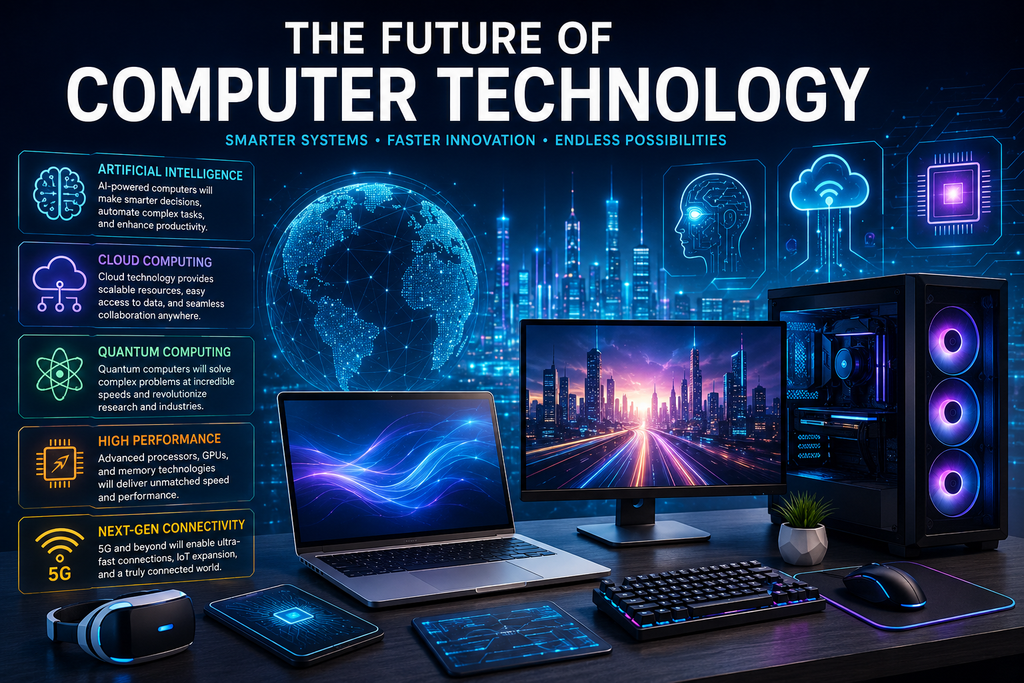
Computer technology continues to evolve rapidly. Artificial intelligence, faster processors, cloud computing, advanced graphics, and energy-efficient hardware are changing how people use computers. AI-powered applications are also becoming increasingly common in education, business, programming, design, and everyday tasks.
Pros and Cons of Computers
Pros
- Faster work and calculations
- Easy access to information
- Useful for education and research
- Supports communication and online services
- Helps businesses improve productivity
- Provides entertainment and creative tools
Cons
- Can cause excessive screen time
- Security and privacy risks
- Hardware can become outdated
- Repairs and upgrades can be expensive
- Malware can damage systems or steal information
Important Components of a Computer
Understanding computer components can help you choose the right PC or laptop.
CPU — The Brain of the Computer
The Central Processing Unit (CPU) executes instructions and performs calculations. CPU performance can affect how quickly applications respond and how efficiently a computer handles demanding workloads.
Modern processors can contain multiple cores, allowing them to handle several tasks simultaneously.
RAM — Temporary Working Memory
Random Access Memory (RAM) is temporary memory used by the computer while applications are running.
More RAM can make it easier to multitask, especially when running several applications or working with large files.
For example, a computer with sufficient RAM can handle a web browser, office applications, communication software, and other programs simultaneously with fewer slowdowns.
Storage — Keeping Your Files Safe
Computer storage is used to save operating systems, applications, documents, photos, videos, and other files.
The two common types are:
SSD (Solid-State Drive)
SSDs are fast, quiet, and generally provide much faster access to files and applications.
HDD (Hard Disk Drive)
HDDs use spinning magnetic disks and are often used when large amounts of storage are needed at a lower cost.
GPU — Graphics Processing
The Graphics Processing Unit (GPU) handles graphics and visual processing. GPUs are particularly important for gaming, 3D applications, video production, engineering software, and some AI workloads.
Some computers use integrated graphics built into the processor, while others use dedicated graphics cards.
Motherboard
The motherboard is the main circuit board inside a computer. It allows the CPU, RAM, storage, GPU, and other components to communicate with each other.
The motherboard also provides connections for USB devices, networking, audio, displays, and other peripherals.
Computer Software
Hardware alone cannot perform useful tasks without software.
Operating Systems
An operating system manages the computer’s hardware and provides an environment for running applications.
Popular operating systems include:
- Windows
- macOS
- Linux
- ChromeOS
The operating system manages resources such as memory, storage, devices, applications, and user accounts.
Applications
Applications allow users to perform specific tasks. Examples include:
- Web browsers
- Word processors
- Photo editors
- Video editing software
- Programming tools
- Communication applications
- Accounting software
- Educational applications
Conclusion
Computers are one of the most important technologies of the modern world. They have changed education, business, entertainment, communication, science, and countless other areas.
Understanding the basics of computer hardware, software, networking, security, storage, processors, graphics, and emerging technologies can help users make better decisions and get more value from their devices.
As artificial intelligence, cloud computing, advanced processors, and other technologies continue to develop, computers will remain an important part of our digital future.